
Editor
Add blocks
Insert blocks from the Navigator picker, place them in the tree, and save a draft.
Add blocks
Generated by Playwright (
pnpm docs:generate) against madstack staging. Update the matching*.doc.spec.tsand regenerate — do not edit this file by hand.
1. Open Navigator on your page
Open the page, then click Navigator in the left rail.
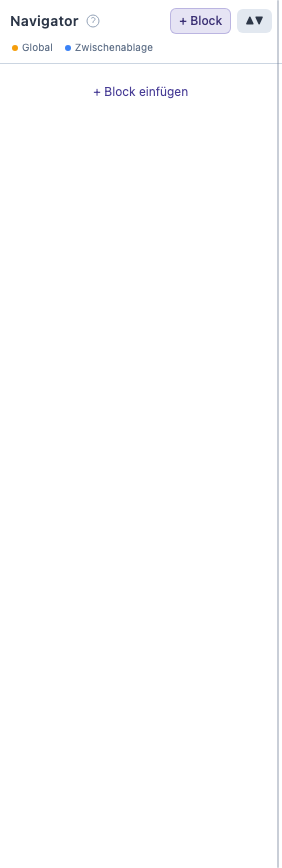
Empty Navigator ready for blocks
2. Pick a block type
Click + Block, search for a type (e.g. headline), and choose it from the list.
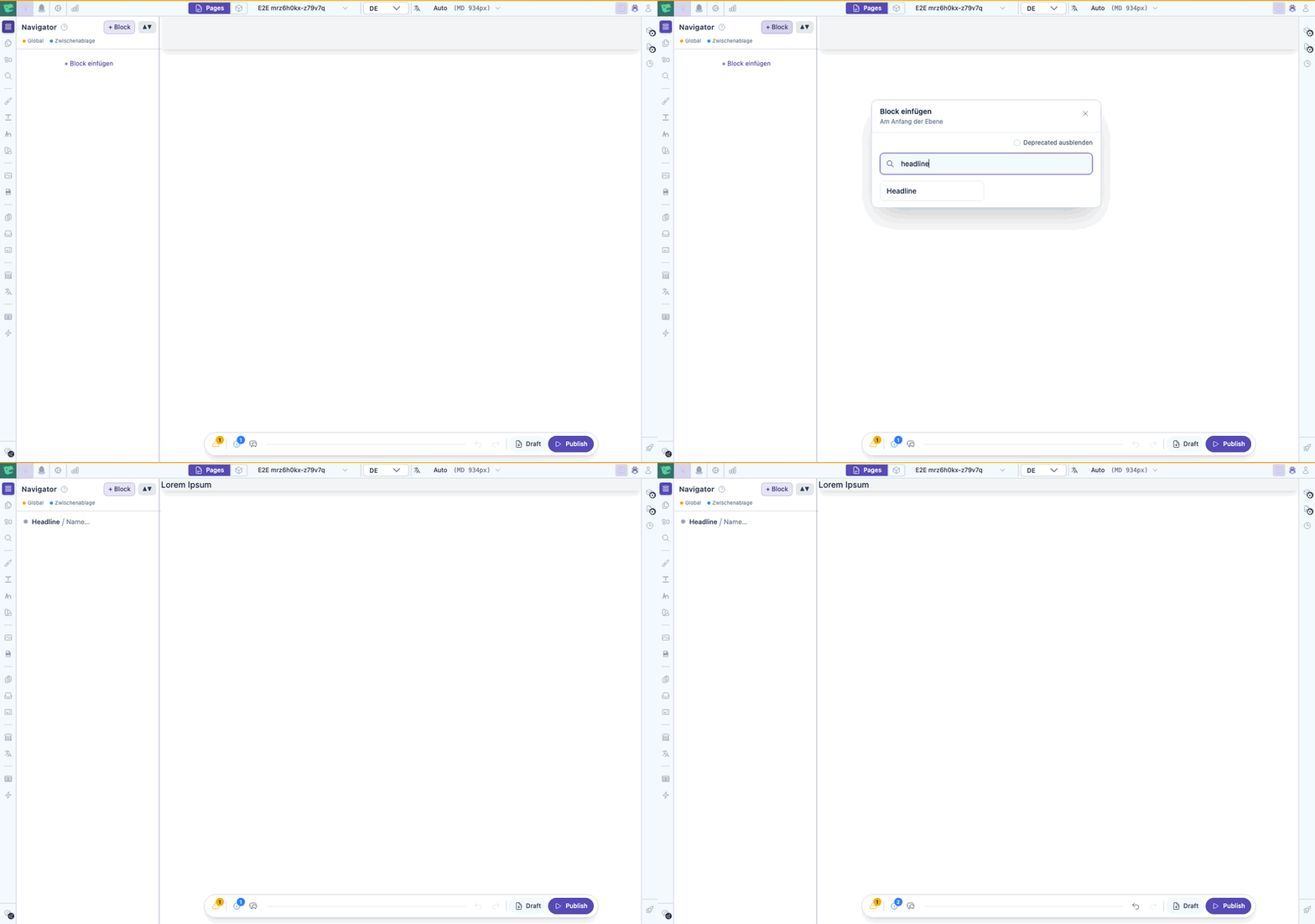
Opening the picker and inserting a headline
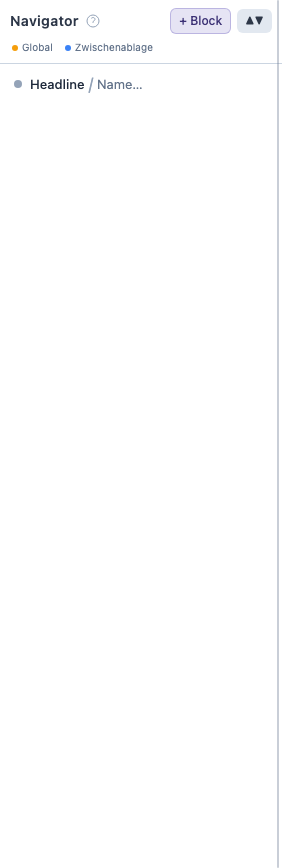
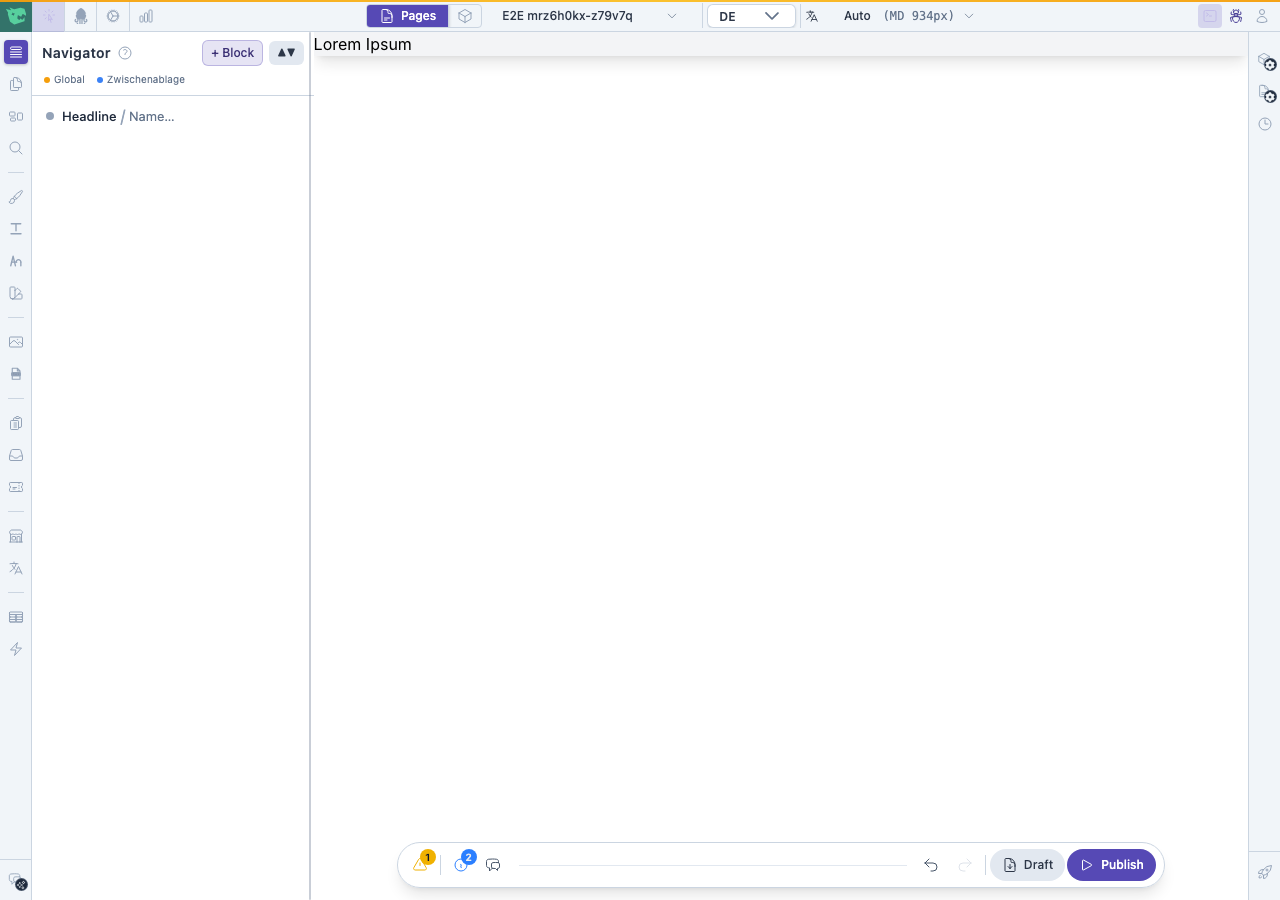
Headline in the Navigator tree
3. See the block on the canvas
The new block appears in the Navigator tree and on the page canvas.
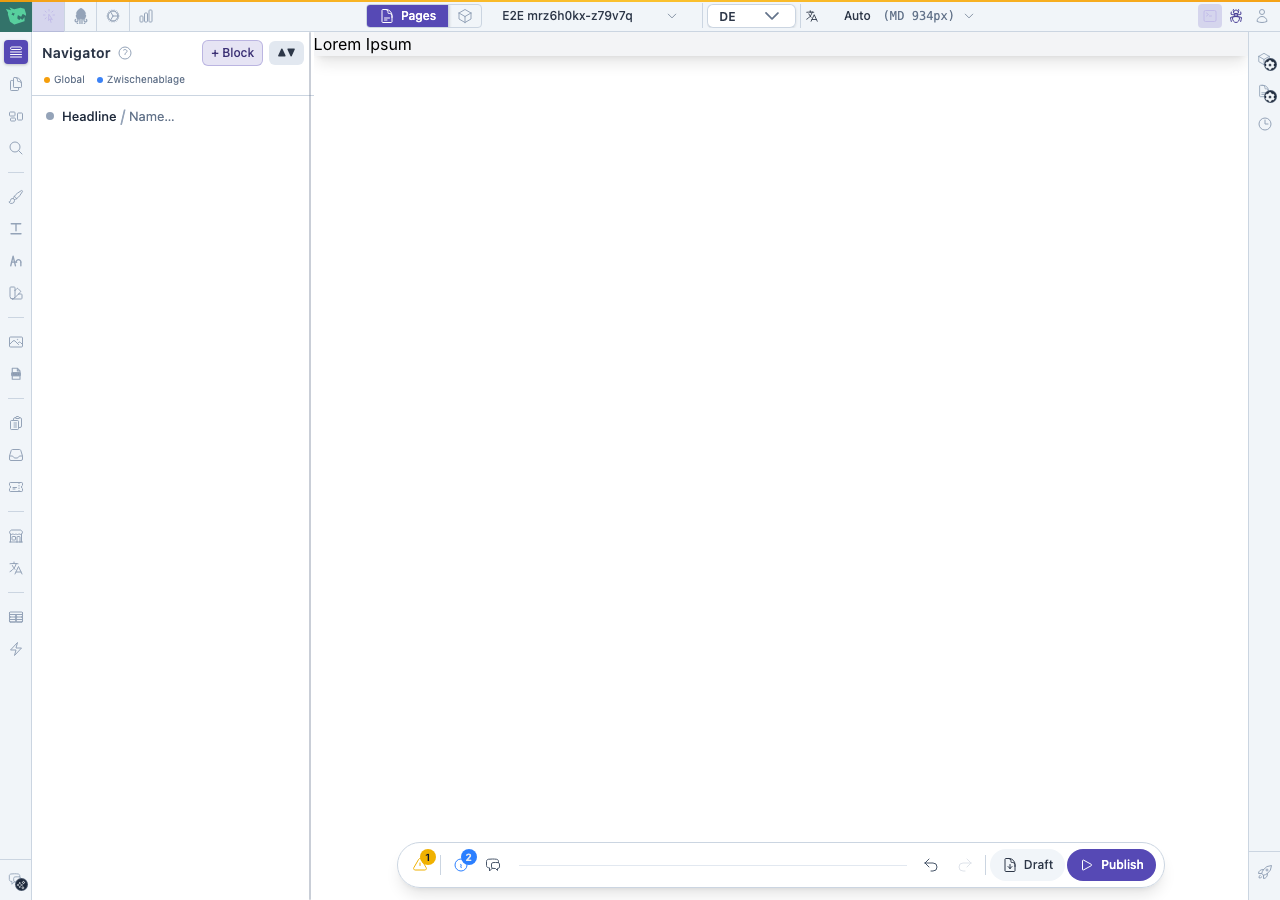
Headline block on the canvas
4. Save a draft
Click Save draft in the top bar so your changes are stored without going live.
Draft saved