
Editor
Save and publish
Save a draft while you work, then publish when the page should go live on the site.
Save and publish
Generated by Playwright (
pnpm docs:generate) against madstack staging. Update the matching*.doc.spec.tsand regenerate — do not edit this file by hand.
1. Prepare content
Open your page and add at least one block so there is something to publish.
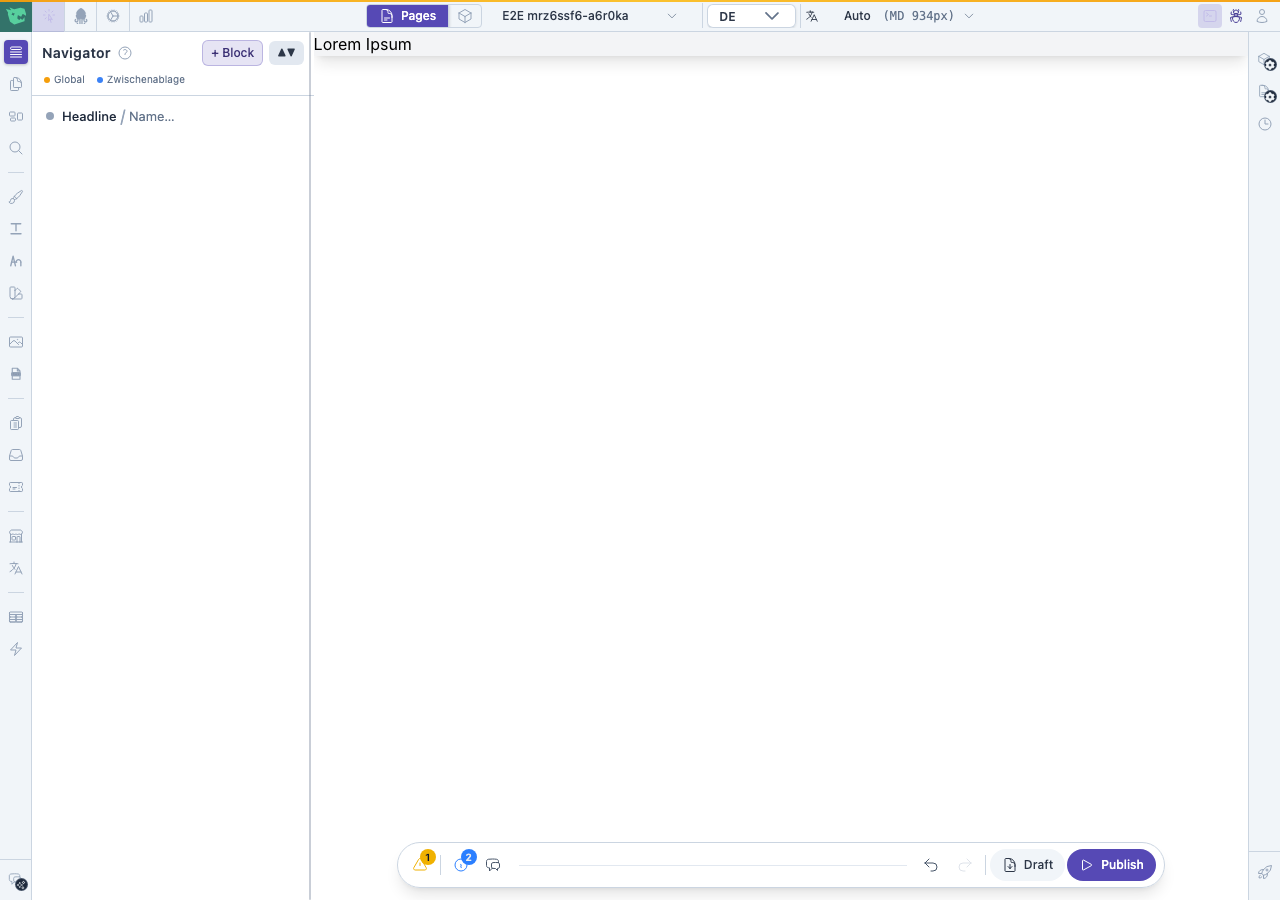
Page ready to publish
2. Find Save draft and Publish
In the top bar, Save draft stores unpublished work. Publish makes the current content live.
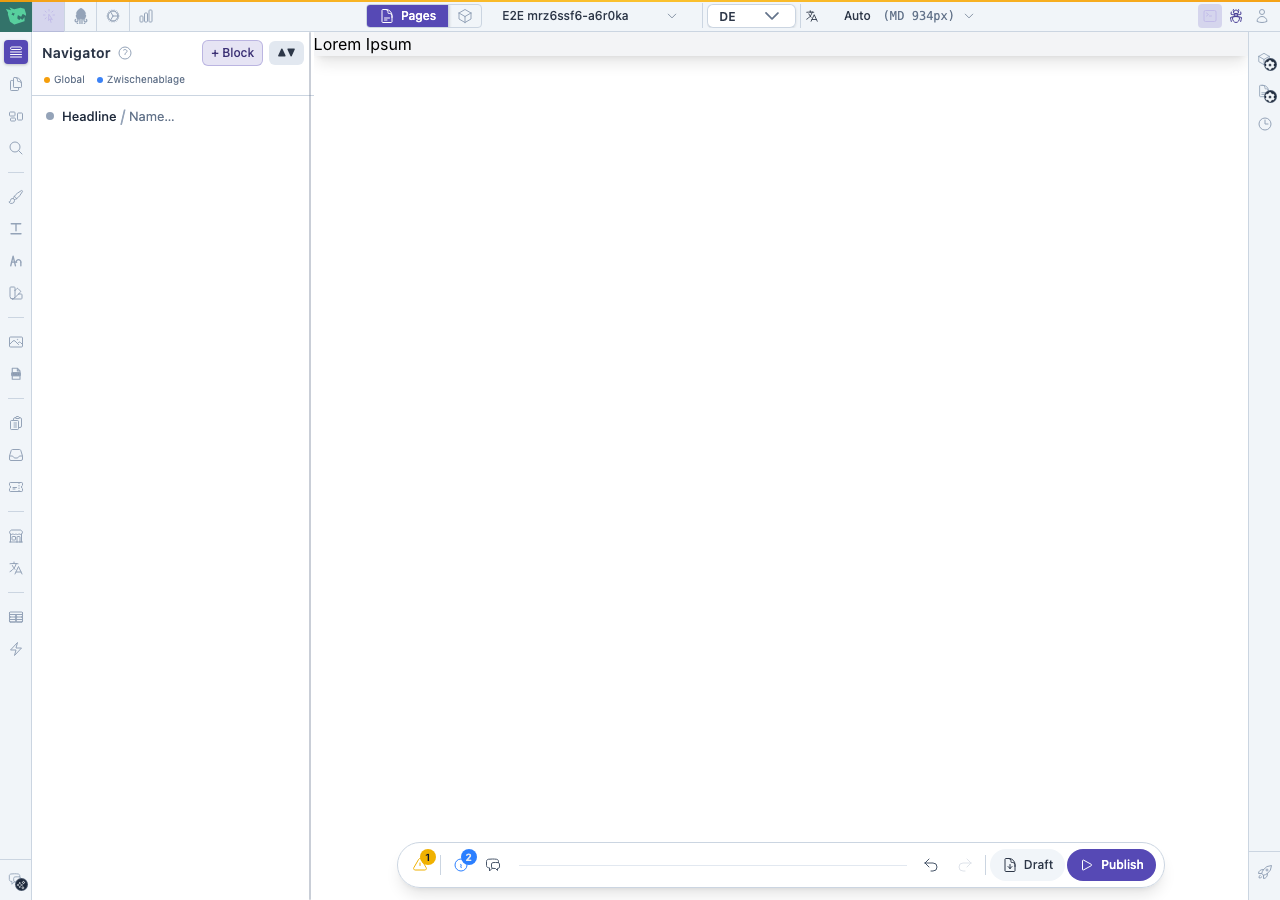
Save draft and Publish in the top bar
3. Publish the page
Click Publish. Wait until the action finishes — the page status becomes published on the live site.
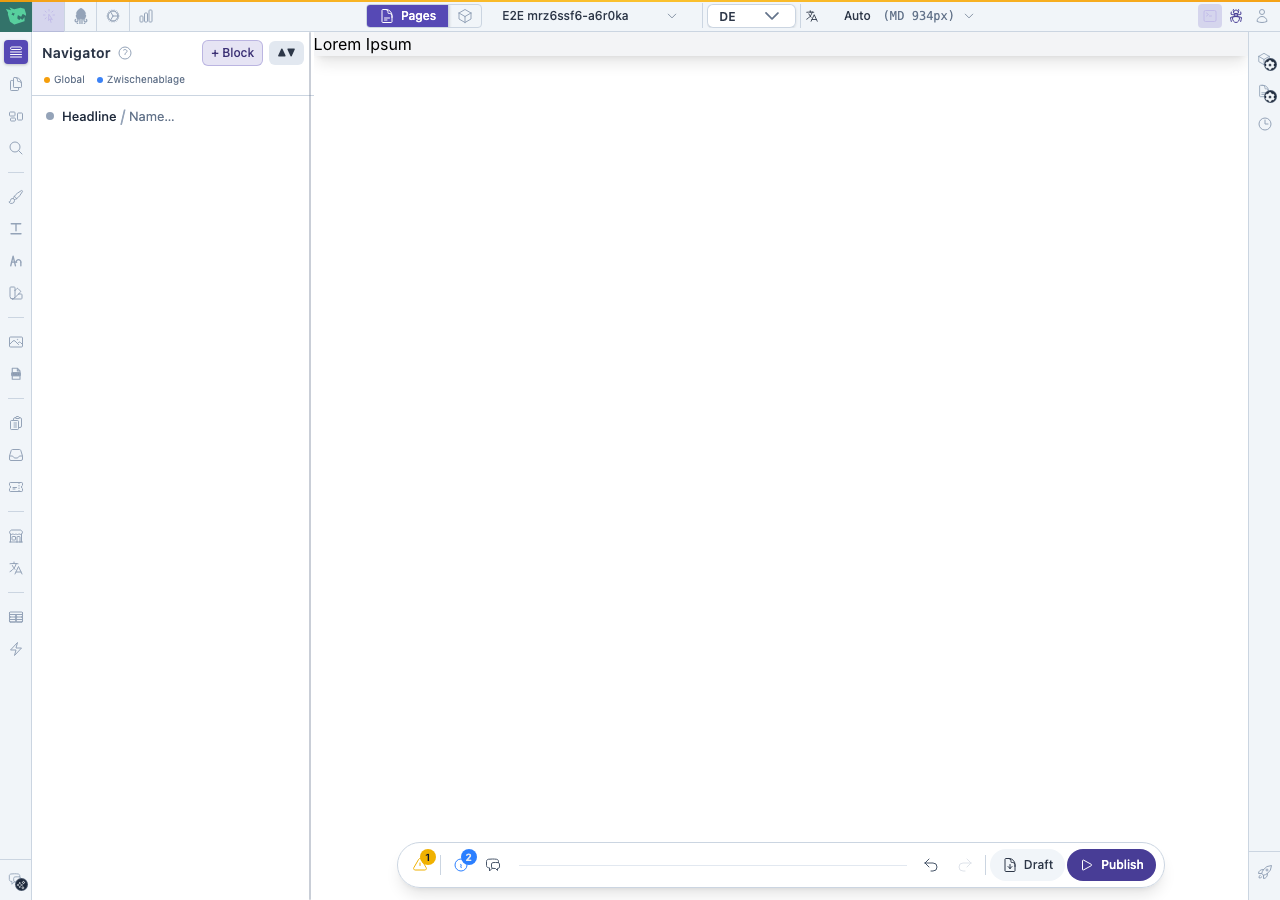
After publishing